Smart Thermostat Installation in Pomona, CA
Real-talk answer: Pomona Mitsubishi HVAC installs and configures smart controls across Pomona 91766 to 91768, fitting kumo cloud Wi-Fi and the MHK2 RedLINK wall thermostat on Mitsubishi ductless heads plus conventional smart stats on Westmont ducted systems; we tune Climate Zone 9 schedules, so call (213) 799-8423 or book online to set yours up right.
The basics
- Smart control setup across Pomona 91766, 91767, 91768
- kumo cloud Wi-Fi (PAC-USWHS002-WF-2 adapter, one per head)
- MHK2 RedLINK wireless wall thermostat for ductless
- PAR-40MAA / PAR-33MAA wired controllers on P-Series and ducted units
- Conventional smart stats (Nest, Ecobee) on 24V ducted systems only
- Schedule tuning for Climate Zone 9 summer load
- Independent, all-brands shop
Which control fits my Mitsubishi system?
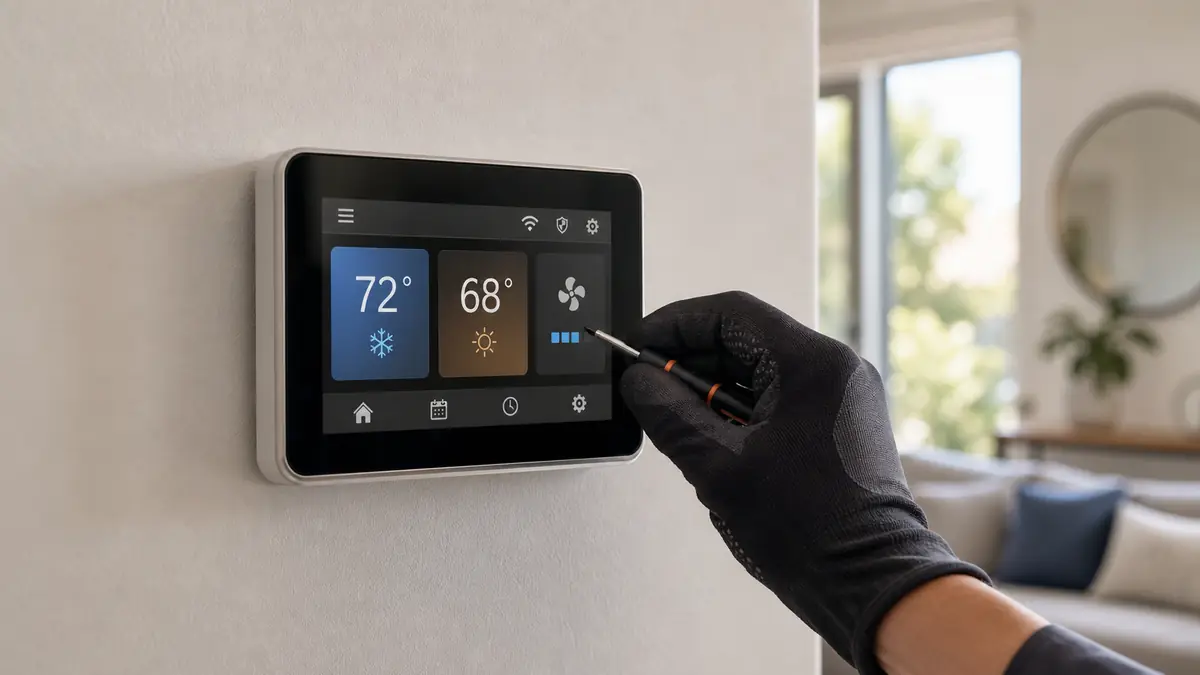
Ductless Mitsubishi heads do not speak the 24-volt language a Nest expects. They use the handheld remote, the MHK2 RedLINK wall thermostat with its receiver, or the kumo cloud Wi-Fi adapter for app control and remote diagnostics. Ducted P-Series and SVZ/MVZ systems take a PAR wired controller. Only a conventional gas-furnace-plus-AC system accepts an off-the-shelf smart thermostat.
| Your system | Right control | Installed band |
|---|---|---|
| Single wall-mount head | kumo cloud adapter or MHK2 RedLINK kit | $200-$650 |
| Multi-zone MXZ with several heads | kumo cloud per head or wired controllers | $400-$1,500 |
| Ducted SVZ/MVZ or P-Series | PAR-40MAA / PAR-33MAA wired controller | $250-$700 |
| Conventional furnace + AC | Nest, Ecobee, or Cor smart stat | $150-$450 |
What is each Mitsubishi control, in plain terms?
There are really four control paths, and which one you have decides what we can do:
- Handheld remote: the infrared controller every MSZ head ships with. It works, but it cannot hold a real schedule or report faults from another room.
- kumo cloud (PAC-USWHS002-WF-2 adapter): Mitsubishi's Wi-Fi interface, one adapter per indoor head. It adds phone control, scheduling, multi-head management, and remote P/E/U fault-code visibility that lets us arrive with the right part.
- MHK2 RedLINK wireless wall thermostat: a real wall stat with a receiver for homeowners who want a familiar thermostat-on-the-wall experience on a ductless head; it runs schedules locally without internet.
- PAR-40MAA / PAR-33MAA wired controllers: the hard-wired wall controllers for ducted SVZ/MVZ and P-Series air handlers, where a Wi-Fi adapter is not the right tool.
Only a conventional 24-volt gas-furnace-plus-AC system, common in Westmont and Hacienda, accepts an off-the-shelf Nest, Ecobee, or Cor. We never bolt one onto an inverter head, because it cannot speak the head's language and will not control it.
How does a control install actually go?
On a ductless head, a kumo cloud install means wiring the interface adapter to the indoor unit's control connector, mounting it cleanly, joining it to your Wi-Fi, and registering each head in the app so the rooms are named and schedulable. An MHK2 means mounting the wall unit, placing the receiver, pairing them, and setting heat and cool limits. We then sit with you and build the schedule, not hand you a manual. On a conventional ducted system we confirm the wire count at the air handler, set the equipment type correctly so staging and fan behavior match the system, and verify a real call for cooling and heating before we leave. The whole visit is usually well under an hour per zone.
How should I program it for a Pomona summer?
Set a moderate occupied temperature and a setback for when the house is empty rather than chasing big swings, because an inverter system runs most efficiently holding a steady setpoint. Pre-cooling before a 100 F Santa Ana afternoon, while outdoor temps are lower, eases the compressor and the bill. We program the schedule with you and explain why deep overnight overcooling wastes money. In Climate Zone 9 the controller is the smallest lever on your bill, behind a right-sized inverter and sealed ducts, but a sensible schedule still trims real dollars across 60 to 80 days a year over 90 F.
What trips up a thermostat upgrade in an old Pomona home?
On the conventional ducted systems still running in Westmont and Hacienda, the snag is almost always the wiring at the furnace. A lot of pre-1980 homes were wired for a simple heat-cool thermostat with no common (C) wire, and most modern smart stats need that C wire for steady power. We either pull a new conductor, repurpose an unused wire, or add a small add-a-wire adapter at the air handler rather than relying on a battery that dies mid-summer. We also confirm the system type, single-stage, two-stage, or a furnace-plus-AC pairing, and set the stat to match so it stages correctly instead of cycling oddly. On the ductless side there is no C-wire issue, since the kumo cloud adapter and the MHK2 draw power from the indoor unit itself; the work there is clean mounting and getting onto your Wi-Fi.
Why does kumo cloud help us help you?
When a head throws a P or U fault, kumo cloud surfaces the code in the app. If you read it to us over the phone, the truck arrives with the right part, whether that is a thermistor, a drain pump, or an inverter board. Remote visibility turns a guessing call into a stocked call, which matters when it is 102 F and you need cooling back today. See our fault-code guide.
Common questions
Can I put a Nest or Ecobee on my Mitsubishi mini-split?
Not directly. A wall-mount Mitsubishi head is controlled by its handheld remote or, for a wall thermostat, the MHK2 RedLINK kit with an interface, or the kumo cloud Wi-Fi adapter. A generic Nest or Ecobee only works on conventional 24-volt ducted systems, not on inverter ductless heads.
What does kumo cloud do for a Pomona homeowner?
kumo cloud is Mitsubishi's Wi-Fi app: it lets you set schedules, control each head from your phone, and read fault codes remotely, which helps us diagnose before we drive out. You need one PAC-USWHS002-WF-2 adapter per indoor head. We mount, wire, and configure it.
Will a smart thermostat cut my summer bill?
It helps, mainly by setting back temperatures when you are out and avoiding deep overnight overcooling. In Climate Zone 9 the bigger savings come from a right-sized inverter system and sealed ducts, but a good schedule on top of that trims real dollars during 100 F stretches.
Do you set up multiple heads to work together?
Yes. On a multi-zone MXZ system each head can run its own schedule through kumo cloud or a wired controller. We make sure zones do not fight each other, set sensible setpoints for your layout, and show you how to run it.
What does smart-control setup cost on a Mitsubishi system?
A single-head kumo cloud adapter or an MHK2 RedLINK kit runs about $200 to $650 installed; a multi-zone setup with an adapter per head or wired controllers lands around $400 to $1,500. A conventional Nest or Ecobee on a ducted furnace-plus-AC system is $150 to $450. The head count and wiring access drive the spread.
Does the MHK2 work without Wi-Fi?
Yes. The MHK2 RedLINK wall thermostat talks to its receiver wirelessly and runs schedules locally, so it works even if your internet is down. kumo cloud is the part that needs Wi-Fi, since it adds phone control and remote fault-code visibility. Plenty of Pomona homeowners run the MHK2 for a familiar wall-stat feel and add kumo cloud on top for the app.
Can I see my Mitsubishi fault codes on my phone?
With kumo cloud, yes. The app surfaces the P, E, and U codes the indoor board reports, so when a head acts up you can read the code to us before we drive out. That turns a guessing visit into a stocked one, which matters on a 102 F Pomona afternoon when you need cooling back the same day.
Related: Wall-mount mini-splits · Mitsubishi fault codes · High energy bills · All Pomona HVAC services